

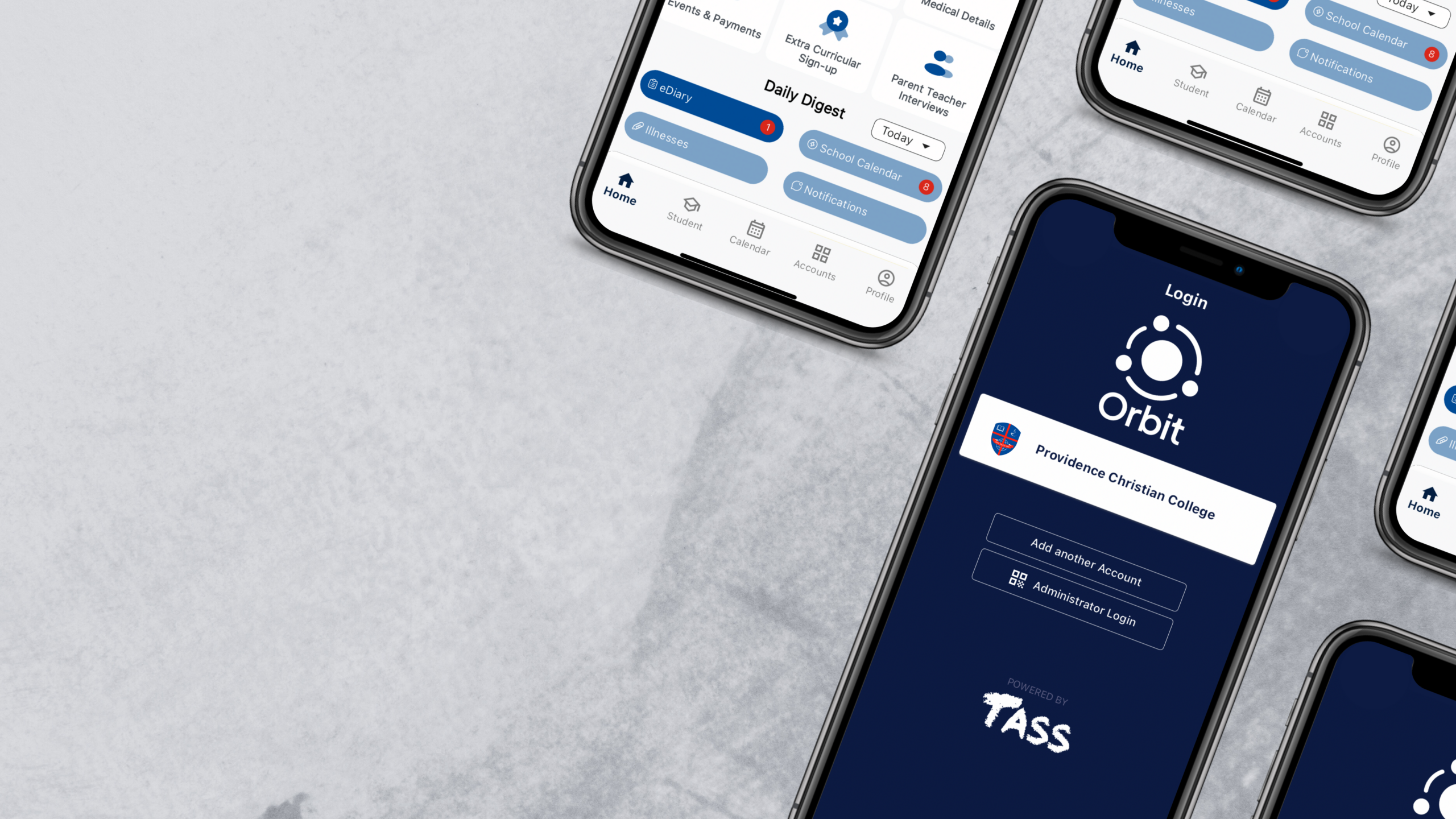
TASS Orbit
Welcome to our guide on TASS Orbit, a fully integrated and supported mobile app that utilises the functionality of the TASS Parent Lounge to keep you engaged and connected with easy access to important information, notifications, and the ability to complete tasks on the go.
TASS Parent Orbit is a mobile that complements the Parent Lounge, allowing parents to more easily access important information and complete time-sensitive tasks on the go. Only the most used Parent Lounge features are available within the mobile App, with more features to come.
Frequently Asked Questions
How do I access TASS Parent Orbit?
- Download the ParentOrbit app from the Apple App Store or Google Play Store. https://parent.tassorbit.com.au/providence
- If you are asked to enter a school code, enter “providence” (all lowercase), and select “Providence Christian College”.
- Enter your Parent Lounge credentials to log in. If you encounter any difficulties while logging in, please contact helpdesk@providence.wa.edu.au.
I forgot my password. How do I reset it?
- Open the TASS Parent Lounge in your internet browser.
- Select “Forgot Password” on the login screen.
- Enter your username and email address.
- Check your email to reset your password.
What is the TASS Parent Orbit app for?
The key features of the app include:
- Home
Keep up to date on your child’s school day at a glance. - Manage Student Details
View and update your child’s information and medical details. - Academic Reports
View and download your child’s school reports. - Manage Attendance and Absences
Easily track and manage your child’s attendance and absences. - Pastoral Care
View your child’s pastoral care information. - Parent-Teacher Interviews
Schedule parent-teacher meetings and receive reminders. - Instant Notifications
Stay up to date with the latest announcements and important alerts. - Event Calendar
Stay informed about school events, meetings, and important dates. - Accounts
Access and make payments for School Fees and Events & Payments via links to the Parent Lounge. - Manage Parent Details
View and submit updated for your personal details, and view login history.